Skip to content

Quote it. Get it signed. Get paid.

The job app for cleaning, landscaping, HVAC and trade crews. Quotes, e-signatures, scheduling, routes, invoices and card payments, from the office or the truck.

  • Free plan, no time limit
  • No card to start
  • 14 days of Business, free

Launch offer: up to 50% off. Claim your code at signup.

Sample job · quote to paid in 5 h 40 min

Illustration: one job for Ridgeline Home Services on a sample Tuesday. Quote Q-001042 for a fall property cleanup, $1,082.50, goes to Rachel Whitfield at 8:12 AM. She signs it on her phone at 10:42 AM. Crew A finishes the job at 1:30 PM, invoice INV-002094 goes out at 1:40 PM, and she pays it by card at 1:52 PM.

Built for the crews that keep homes running.

Run OneTool from the job, not the desk. From one truck to a crew of twenty, the same quote, schedule and payment on every phone.

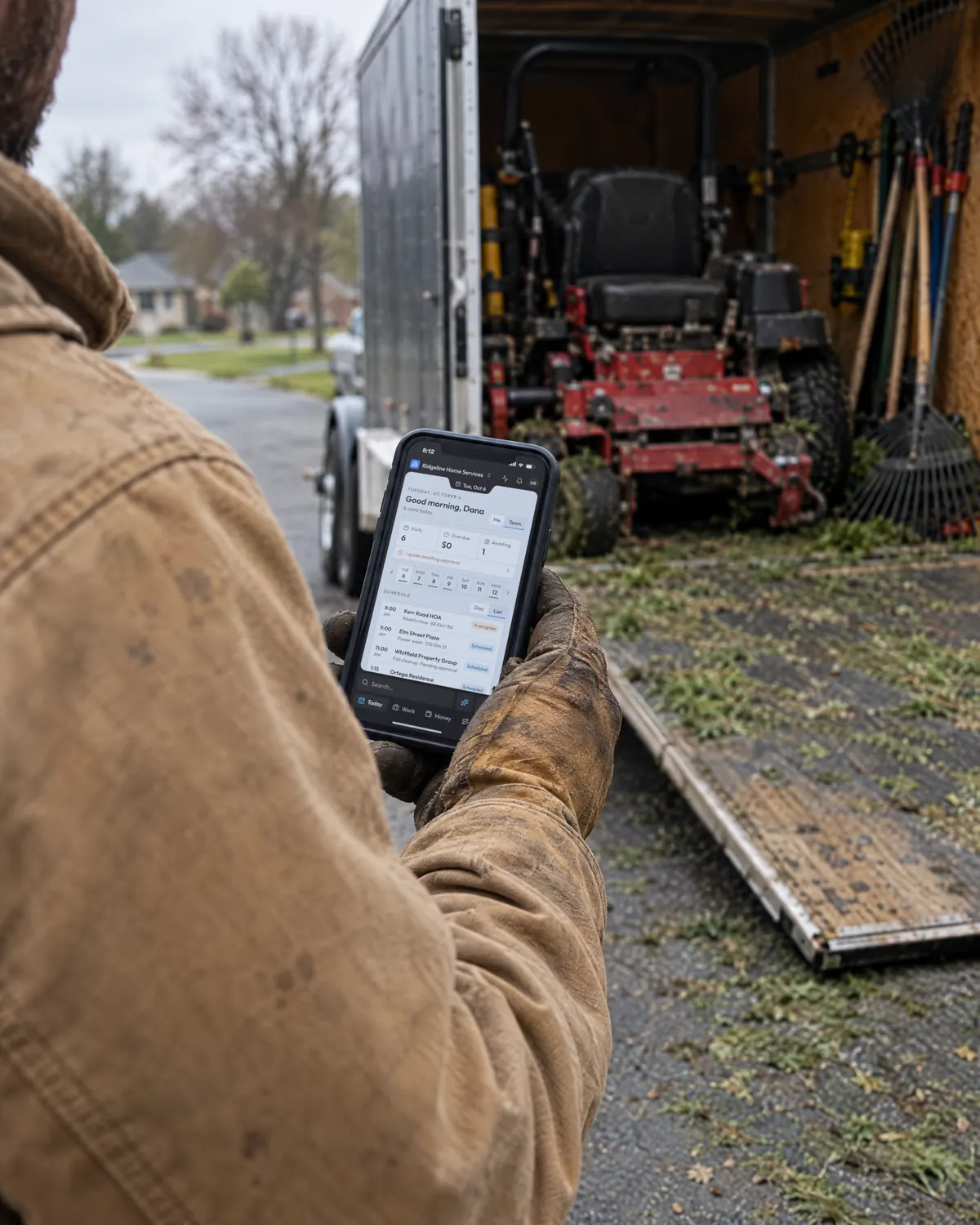
  • A landscaper at an open work trailer with OneTool’s Today screen on his phone, the Kerr Road HOA weekly mow in progress
    Weekly mow · Kerr Road HOAToday · 6 visits
    In progress

    Lawn care & landscaping

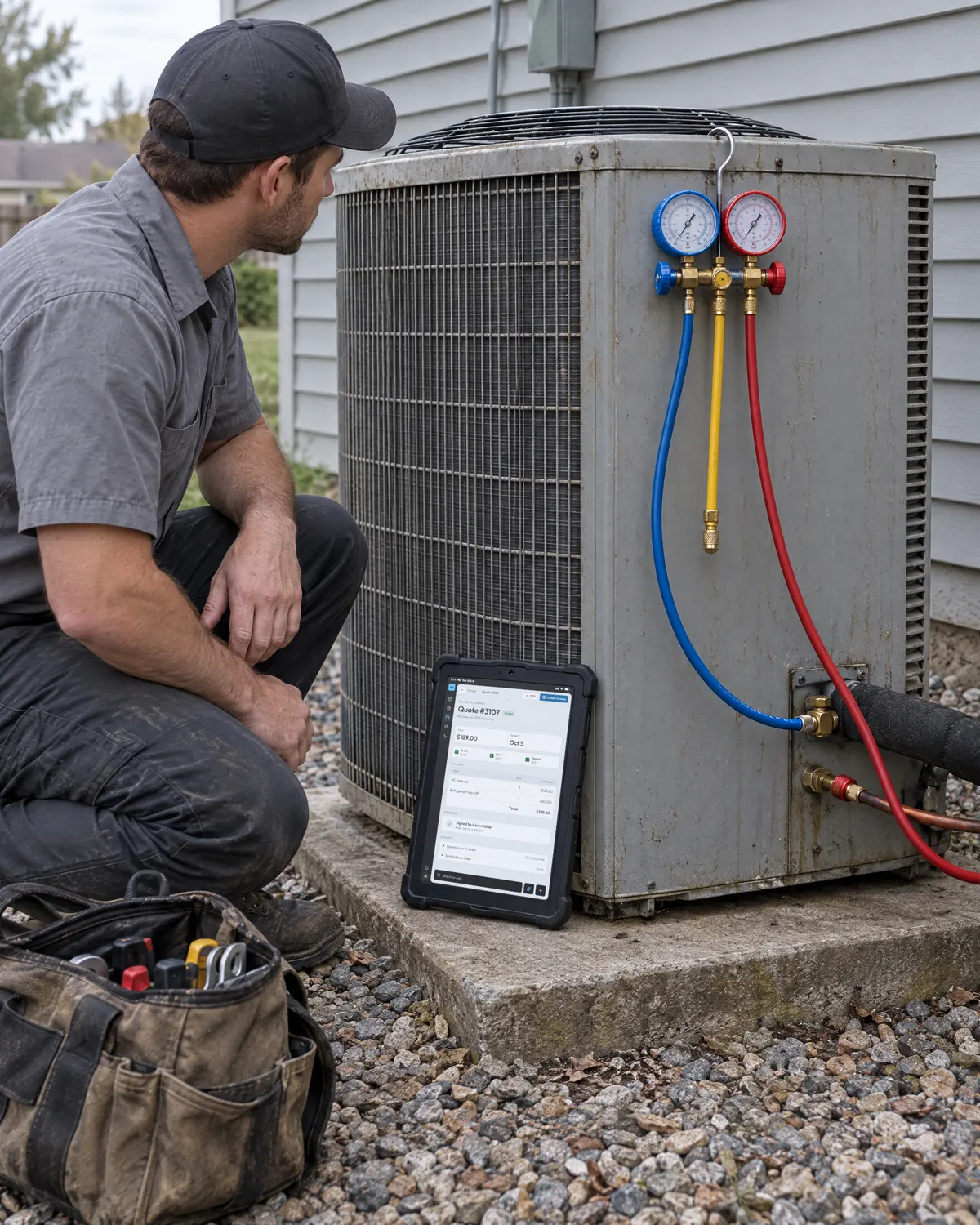
  • An HVAC technician servicing an outdoor condenser, signed Quote Q-003107 for $189.00 open in OneTool on a tablet
    AC tune-up · Miller ResidenceQuote Q-003107 · $189.00
    Signed

    HVAC

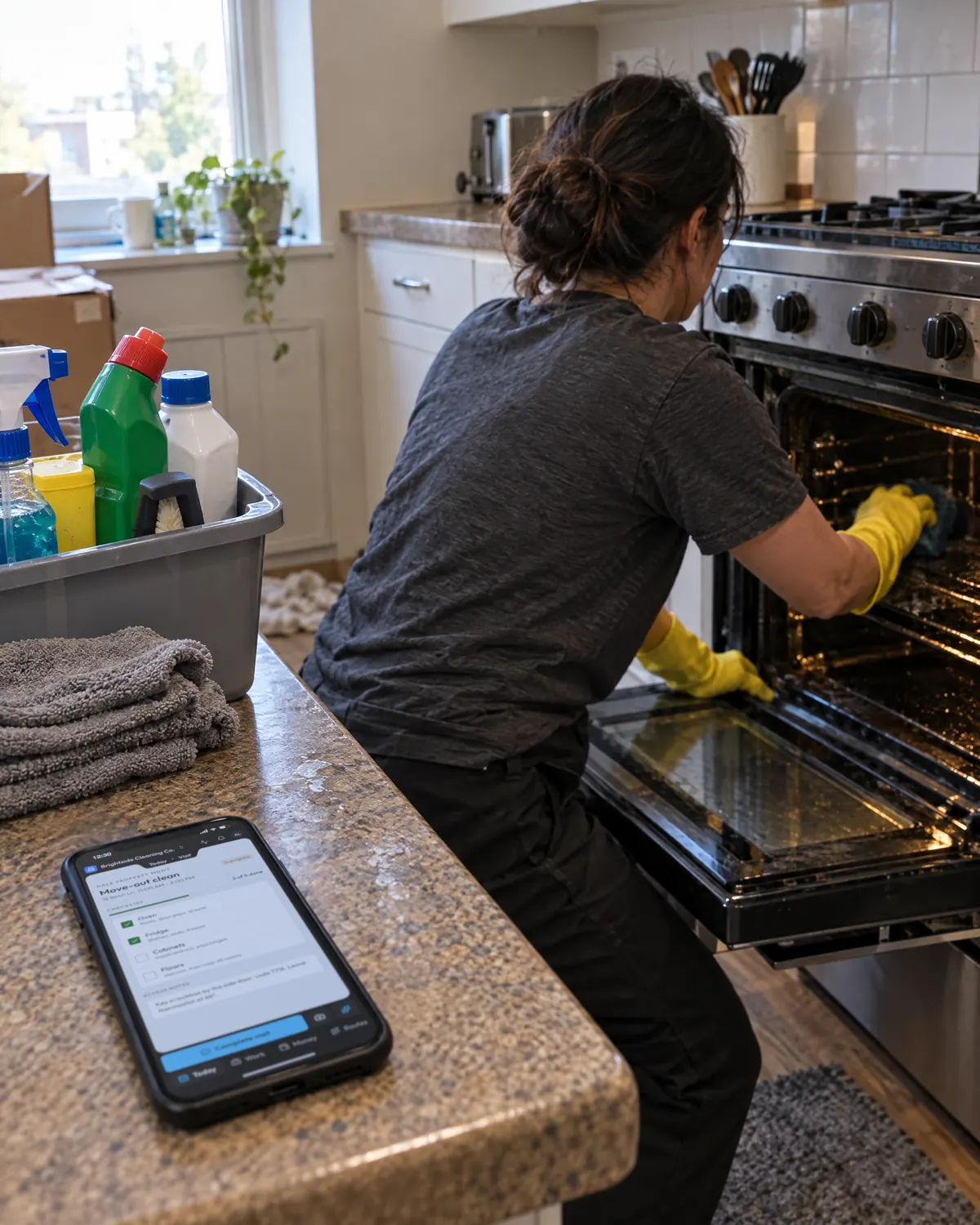
  • A cleaner scrubbing an oven during a move-out clean, the OneTool checklist on the counter with 2 of 4 tasks done
    Move-out clean · 18 Birch Ln2 of 4 tasks done
    In progress

    Cleaning

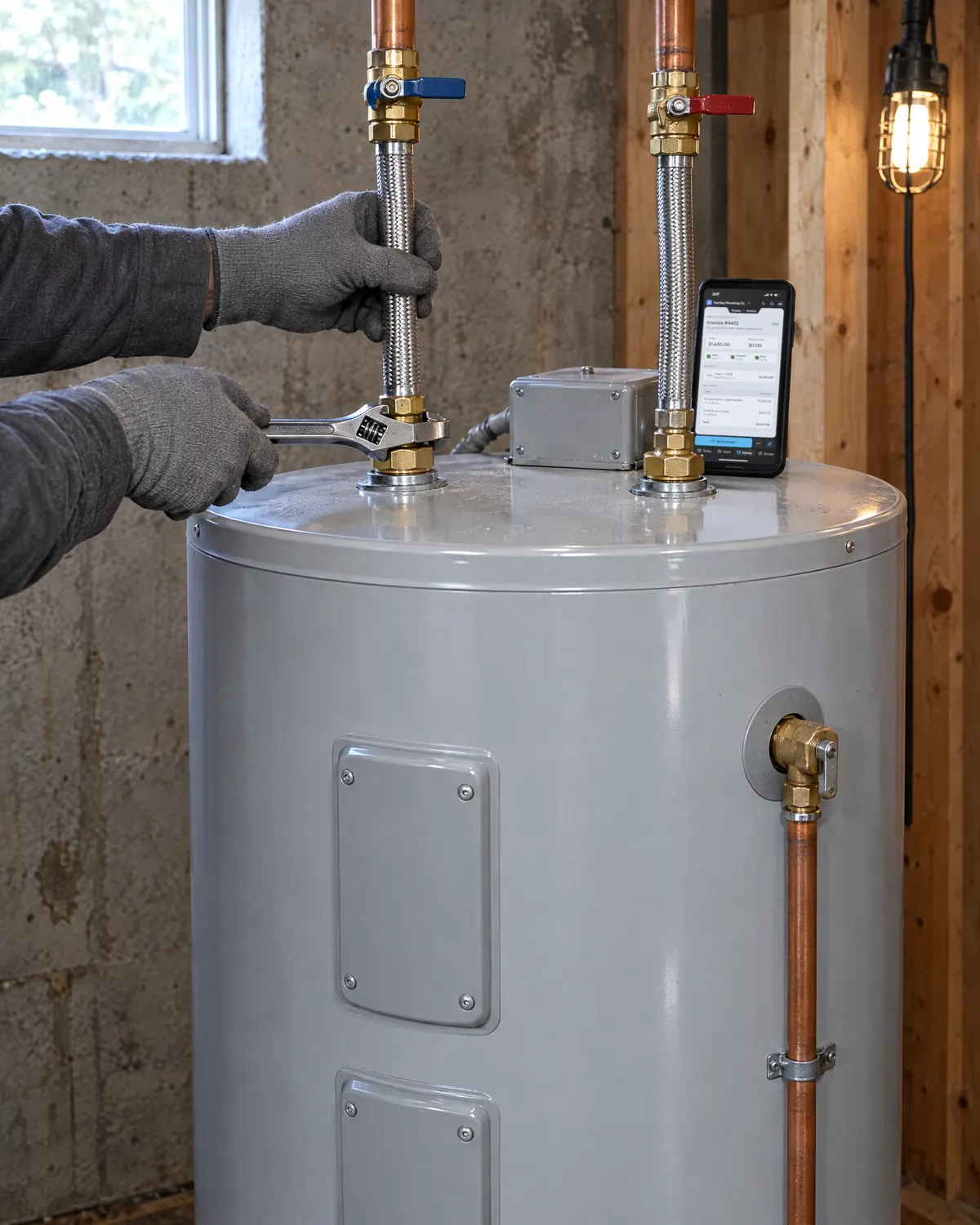
  • A plumber tightening the cold inlet on a new water heater, paid Invoice INV-004412 for $1,450.00 open in OneTool on a phone resting on top of the heater
    Water heater install · Brooks ResidenceInvoice INV-004412 · $1,450.00
    Paid

    Plumbing

Also electrical, pest control, pool service, window cleaning, pressure washing and handymen.

Sample jobs

One job, four places to look.

Clipboard
The quote, written in the driveway and typed up after dinner. Win the work
Group text
Tomorrow’s schedule, buried under yesterday’s photos. Run the day
Truck dash
The checks, waiting for a trip to the bank. Get paid
Spreadsheet
Who still owes you, as of the last time anyone updated it. Follow up

OneTool keeps the quote, the visits and the payment together on the client’s record.

From the first call to paid.

One client record connects the quote, the crew, the payment and what comes next.

4 steps. Sample jobs from Ridgeline Home Services, a made-up crew.

Signed before the crew pulls up.

No more typing up clipboard quotes after dinner. A request lands from your free community page, becomes a client and a quote in minutes, and comes back signed from her phone.

It starts with a request

Anyone can ask for a quote from your free community page. Each request lands as a task, and Send quote adds the person as a client.

One record per client

Properties, past jobs, quotes and what they still owe, on one page for everyone you give access to.

Every crew, every stop, in order.

The schedule leaves the group text. Put each day’s stops in order on real streets, and every crew opens its route in the app.

© OpenStreetMap contributors
RouteScheduled

Tuesday, Crew AOptimized from client addresses

  1. Ridgeline yardStart · 8:40 AM
  2. Elm Street PlazaPower wash · 9:00 AM
  3. Whitfield Property GroupFall property cleanup · 11:00 AM

2 stops · 2.7 mi · 9 min of driving

Crews run the day from the iOS app. Their route still works without signal.

Every task has an owner

Each project keeps its own task list. Give a task to a crew member and a day, and the overdue ones surface on their phone.

Move a job and the crew sees it

Drag a visit to another day on the week calendar and your crew’s schedules change with it.

Reminders go out on their own.

The who-owes-what spreadsheet can go. Set a rule once and OneTool chases overdue invoices, then adds a call task when a reminder isn’t enough.

Replies land on the right client

A client’s reply to your quote or invoice comes back to its thread, in one inbox your whole team shares.

See which months paid best

Start from Revenue by month or 15 other ready-made reports. October counts what’s paid so far, and clicking a month shows its invoices.

Ask what’s on for Thursday

The assistant answers from your live schedule, clients and invoices. It can also add a task or update a project when you ask.

Free for a one‑van shop. One flat price for the crew.

Try Business for 14 days without a card. Keep Free, or pay the flat price when the monthly limits get in the way.

Business billing

Free

$0/ month

No time limit

Business

$30/ month

No monthly limits

What the Free and Business plans include.
Plan

Free

Business

ClientsUnlimitedUnlimited
Team members520
Quote and invoice sends a month20Unlimited
E-signature requests a month5Unlimited
AI assistant messages a day10Unlimited
Saved reports5Unlimited
AI client import rows, total2,000Unlimited
Workflow automationsNot includedIncluded
Route optimizationNot includedIncluded
QuickBooks syncNot includedIncluded
AI report generationNot includedIncluded
Client portal without the OneTool badgeNot includedIncluded
Card payments and Stripe payoutsIncludedIncluded
Support repliesBest effort24 hours

Card payments cost your Stripe rate plus $1 per payment. Free gets 10 extra sends in any month you collect one. Everything you add during the trial stays.

Launch offer: 50% off your first 3 months on monthly, 20% off your first year on yearly. Claim your code at signup. Ends November 23.

What the same crew costs elsewhere.

See how published monthly prices change as your crew grows. OneTool’s Business price stays flat through 20 seats.

Your crew

Save $708 a year in subscription fees compared with Joby Starter for 4 people. Card payments carry $1 per transaction on top of your Stripe rate.

Compare with
Published monthly price and included features for a crew of 4 people: OneTool, Joby.
Published ratesOneToolJoby
Monthly price for 4 people$30/moBusiness plan$89/moStarter plan
Users includedIncluded.20Included.Unlimited
E-signatures includedIncluded.UnlimitedIncluded.
Route planningIncluded.Not published
Workflow automationsIncluded.Needs Pro plan
AI import from CSVIncluded.CSV import
Offline mobile appIncluded.Routes, tasks, signaturesNot published
Client portal and card paymentsIncluded.Included.
Card processing feeStripe + $1/txn2.9% + 30¢
SupportEmail, replies within 24 hoursEmail; priority on Pro

Included at the price shown. “Needs” plus a plan name means you’d have to move up to that plan to get it. “Not published” means we found nothing about it on the vendor’s own pages.

Prices are month-to-month list prices from the Jobber, Housecall Pro and Joby pricing pages, read on Aug 16, 2026. Each is the cheapest plan that covers your crew. Paying yearly costs less: Jobber from $29 a month, Housecall Pro from $59 a month, OneTool $300 a year. Joby publishes no yearly rate. Workiz publishes no base price, so it isn’t listed.

What owners ask before they switch.

Anything we missed, email support@onetool.biz.

Switching from Jobber or Housecall Pro?

Get a walkthrough from someone on our team before you move anything over.

Book a demo
  • Every new organization gets 14 days of Business with no card. After that it moves to Free and keeps all its data. Upgrade from Billing whenever you’re ready.

  • Until November 23, the launch offer gives you 20% off your first year of Business on the annual plan, or 50% off your first 3 months on monthly. Your codes show up when you create your organization and on the Billing tab. Enter one at checkout under “Add promo code”.

  • Nothing is deleted. Cancel any time and you keep Business until the end of the billing period. Then the account moves to Free with all its data, for as long as you keep it. Fees generally aren’t refundable, but we always fix genuine billing errors. EU customers can withdraw within 14 days of their first purchase.

  • Your client list. Export it from your old tool as a CSV, or on Business pull your customers in from QuickBooks Online. Past quotes, invoices and job history don’t import.

  • New members see only the projects and tasks assigned to them. You can open up more for each person one area at a time, such as clients, quotes, invoices or billing. Admins and the owner see everything.

  • Sign-in runs through a dedicated login service, and each business’s records are kept apart from every other business’s. Only the people you invite can see yours. The Data security page covers the rest.

  • Start with the help center or email our support team. On Free we reply as soon as we can. On Business we reply within 24 hours.

Start from your spreadsheet

Upload a CSV and OneTool matches its columns to client fields, skips names you already have and adds the rest.

Your books stay in QuickBooks

On the Business plan, clients, invoices, payments and refunds sync to QuickBooks Online, so nobody retypes them at month end.

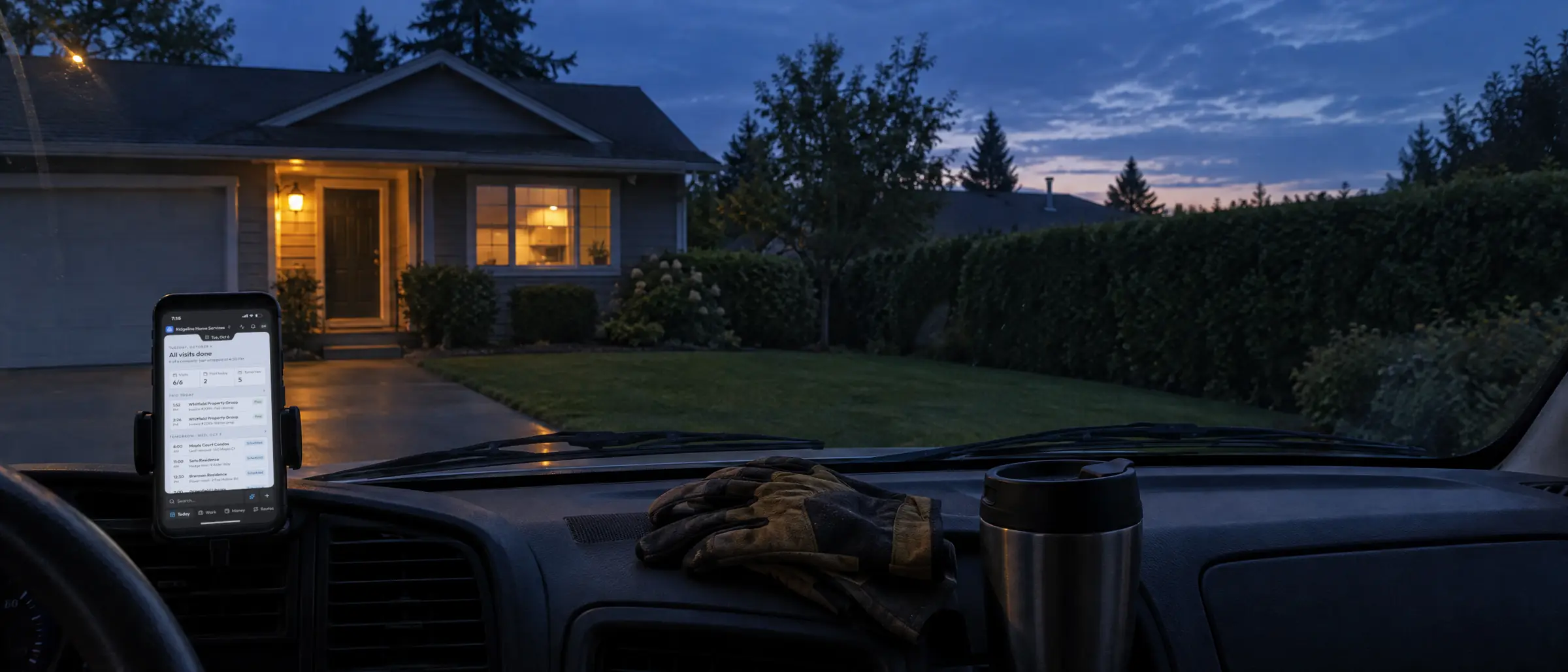
Dusk from a work van parked outside a house, the dashboard phone showing the day’s summary in OneTool

The job’s done.So is the paperwork.

Start free in a couple of minutes. Add a client, send a quote and get it signed today.

Book a walkthrough with our team.

Leave your details and a real person gets back to you within a day to find a time.